
Before you start
- Your admin must enable the Concord connector.
- You need a Concord account; Viewer is sufficient.
Connect your account
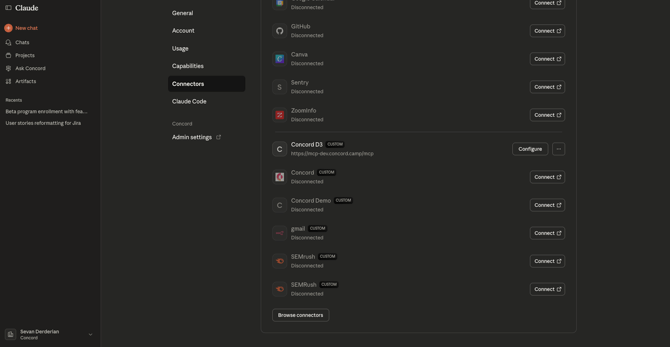
- Open Settings → Connectors and find Concord.
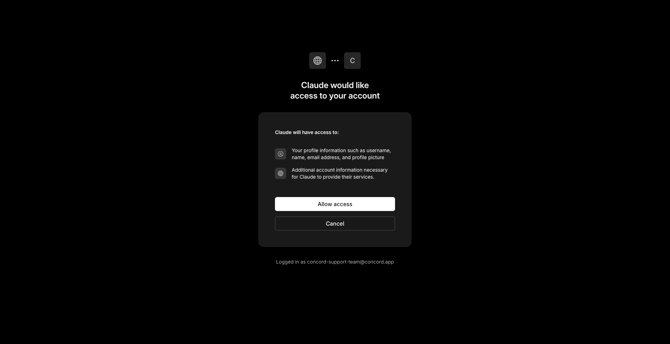
- Click Connect and complete the Concord sign‑in and authorization.
- Return to Claude; the connector shows Connected.
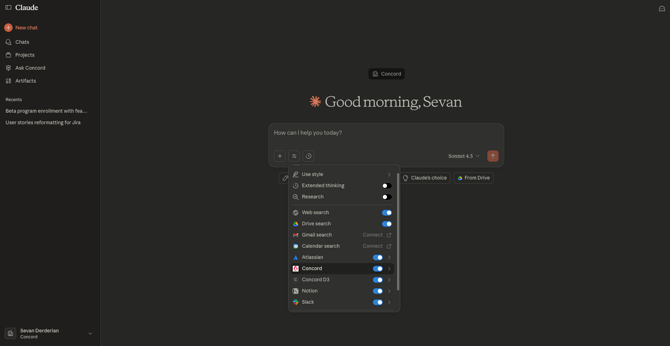
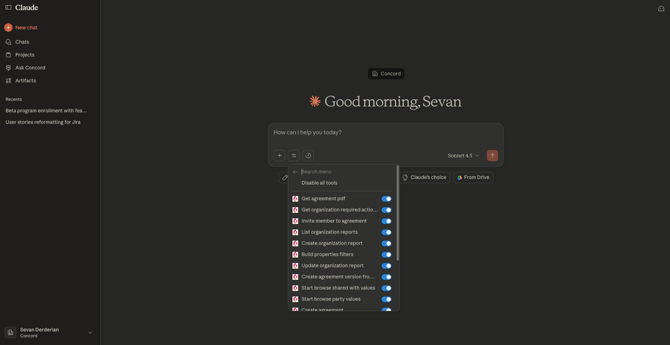
Use the connectors in chat to:
- Ask Claude to find contracts by party, date window or amount.
- Ask questions on your contracts, terms, clauses or any other contracts specifications to extract and summarize key information.
- Create simple reports based on your filterable Concord data.
- List your ongoing tasks
- Create a document in Concord
FAQ
"I do not see the connector" Ask your Claude admin to enable the Concord custom connector. The steps can be found here.